How to Sync a Supplier's New CSV with Your Shopify Products
To sync a supplier's new CSV with your Shopify products, upload it to the saved supplier in Csvio, review what changed, and apply. Csvio compares the file with your last import of it: new products are created, changed ones updated, and products gone from the file can be archived.
Try Csvio free on your own fileChapters
- 0:00Sync a saved supplier's new file with Shopify
- 0:18The supplier's new file
- 0:41What changed since the last import
- 1:17Review new, changed and removed products
- 1:51Apply the changes
- 2:08The result in Shopify
Transcript
Sync a saved supplier's new file with Shopify
I'm reviewing my supplier's changes in csvio. I've just unticked a product I still sell. Here's how I got there. I open Suppliers. Foxglove Pantry is my saved supplier. Its last import added three products.
The supplier's new file
Here's its winter file. Nothing in it says what changed. The griddle pan's price is up to forty-nine, and its stock is down to nine. The kettle is the same. The flask is new, and the paring knife is gone. Back on Suppliers, I click Update from new file.
What changed since the last import
I drop the winter file in. It knows this supplier, so it offers to sync the changes. It's compared with my last import, and nothing goes to Shopify until I choose. One new product, one changed, one gone from the file, and one unchanged, which is left alone. I click Review the three changes.
Review new, changed and removed products
The changes come in three groups, each listed by its handle. New products are created. That's the flask. Changed products are updated with the file's new details. That's the griddle pan. Products gone from the file are archived in Shopify, which I can undo. I still sell the paring knife, so I untick it.
Apply the changes
I click Apply two changes. Two changes applied to Shopify. And the next file from this supplier is compared the same way.
The result in Shopify
In Shopify, the new flask is there, as a draft, and the paring knife wasn't touched. I open the griddle pan. It now sells for forty-nine, with the supplier's new cost, and nine in stock. Try csvio free, on your own supplier's file. The link's in the description.
Step-by-step guides
More Csvio tutorials
 2:50
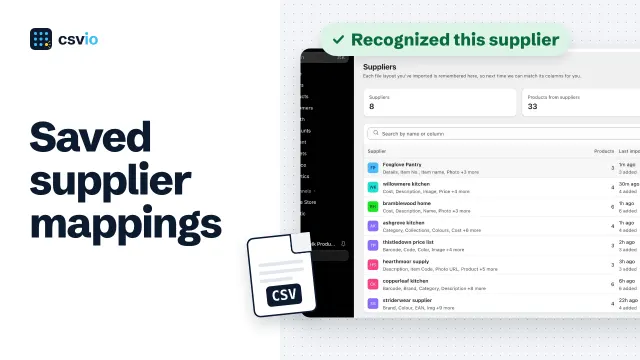
How to Save a Supplier's CSV Mapping for Faster Shopify Imports
 2:24
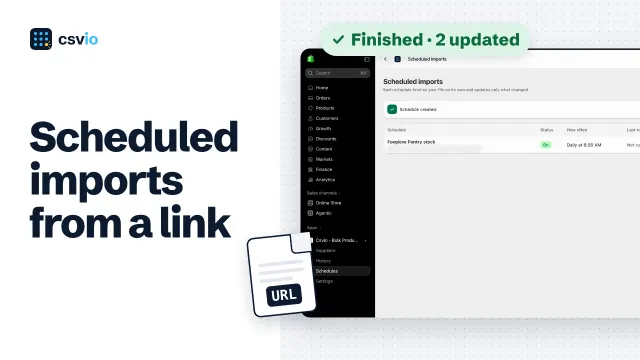
How to Schedule Automatic Shopify Imports from a CSV File URL
 3:42