How to Save a Supplier's CSV Mapping for Faster Shopify Imports
To reuse a supplier's column mapping, import their file once with Csvio; it saves the supplier and applies the mapping to their next file. Shown: the Suppliers page, renaming a supplier, its next file recognized with the saved mapping applied, and Forget supplier.
Try Csvio free on your own fileChapters
- 0:00Saved supplier mappings in Csvio
- 0:11The Suppliers page
- 0:33Rename a supplier
- 0:49The supplier's next file
- 1:07Upload a returning supplier's file
- 1:37The saved mapping, applied
- 2:03Import to Shopify
- 2:21Back on Suppliers, and Forget supplier
Transcript
Saved supplier mappings in Csvio
This is my Suppliers page in csvio, just after my supplier's second file. Here's how it went. I open Suppliers.
The Suppliers page
Every file layout I import is remembered here. I imported Foxglove's spring file earlier. It's named after that file. It shows the columns I mapped, the products from my last import, and when that was.
Rename a supplier
I open its menu. I can rename it, or forget it. I give it a name I'll recognize. Foxglove Pantry, and save.
The supplier's next file
This fall, Foxglove sent its autumn range. The headers are its own words: item number, RRP, quantity. All three SKUs are new. And I don't want these buyer notes in my store. Back on Suppliers, I click Update from new file.
Upload a returning supplier's file
I drop the autumn file in. It knows this supplier, and offers to sync what changed. That's the next video. This time, I pick Create. It adds the three new products. I click Continue.
The saved mapping, applied
It applied my saved mapping. No AI mapping to wait for. I can edit any row to override it. Or re-run AI mapping, to map the file afresh. Item number is still the SKU, item name the title, RRP the price, and buyer notes is still skipped.
Import to Shopify
I import to Shopify. Three products to import. I confirm. Three new products, saved as drafts. I go back to Suppliers.
Back on Suppliers, and Forget supplier
Foxglove Pantry's last import is now the autumn file. I open the menu again, and pick Forget supplier. That removes my saved mapping. Its next file would be a new supplier. My Shopify products stay. I cancel, and keep it. Try csvio free, on your own supplier's file. The link's in the description.
Step-by-step guides
More Csvio tutorials
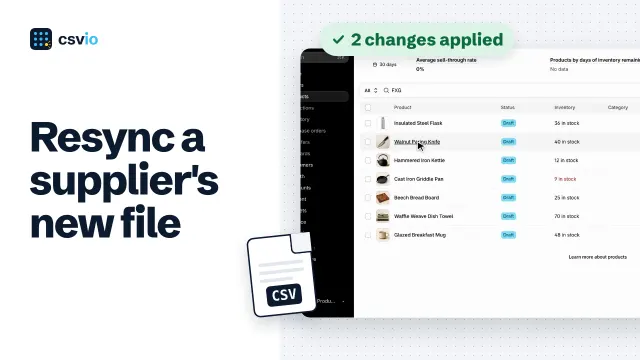 2:31
How to Sync a Supplier's New CSV with Your Shopify Products
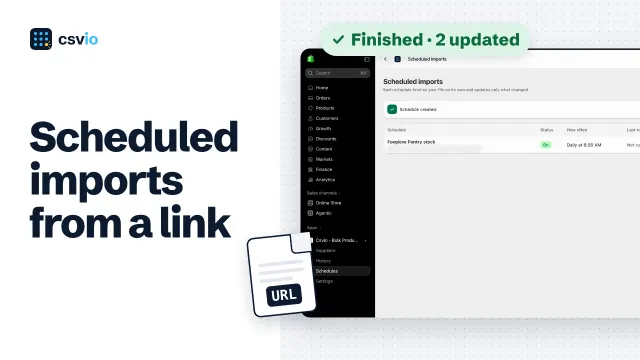 2:24
How to Schedule Automatic Shopify Imports from a CSV File URL
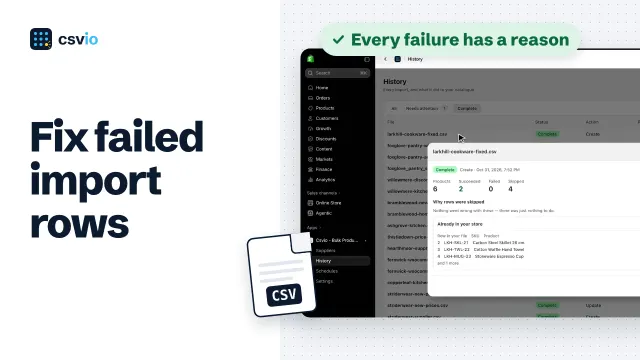 3:42