How to Bulk Update Shopify Prices and Stock from a Supplier CSV
To bulk update Shopify prices and stock, drop the supplier's new price list into Csvio, choose Bulk edit, match on SKU and apply. Each row finds its product by SKU and only the mapped columns change. Here the category is set in bulk too.
Try Csvio free on your own fileChapters
- 0:00Before: prices, stock and categories in Shopify
- 0:32The supplier's new price list
- 0:46Upload the file and choose Bulk edit
- 1:07Match products by SKU and map the columns
- 1:33Apply the bulk update
- 1:47The report and a skipped row
- 2:02After: new prices, stock and categories in Shopify
Transcript
Before: prices, stock and categories in Shopify
In this video, a supplier's new price list updates products already in your store: their prices, stock and categories. Here are Bramblewood's six products in Shopify. The mug has a hundred and twenty in stock, and no category yet. On its page, the category is empty, the price is sixteen dollars, and a hundred and twenty are in stock.
The supplier's new price list
Here's the supplier's new file. Item number is the SKU, RRP the new price, QTY the stock, and the categories are plain words. And the last row is an item your store doesn't have.
Upload the file and choose Bulk edit
Drop the file in, and pick Bulk edit, because these products are already in your store.
Match products by SKU and map the columns
On the mapping screen, every column is matched. Item number goes to the variant SKU, and it's the match key: each row finds the product with the same SKU. RRP becomes the price, and QTY the stock. Pick the location it's counted at. And category goes to the product category, matched to Shopify's own categories by name.
Apply the bulk update
Only the mapped columns change. Titles, photos and descriptions stay as they are.
The report and a skipped row
Six products updated: price, stock and category. The new item was skipped, and the reason says why: its SKU isn't in your store. Bulk edit never creates products.
After: new prices, stock and categories in Shopify
Back in Shopify, each product has its new stock and its category. And the mug's page shows its category, mugs, the new price of seventeen fifty, and ninety-six in stock. Try Csvio free, on your own supplier's file. The link's in the description.
Step-by-step guides
More Csvio tutorials
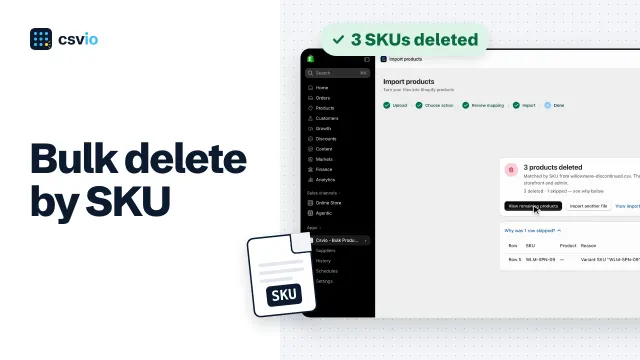 2:29
How to Bulk Delete Shopify Products by SKU from a CSV
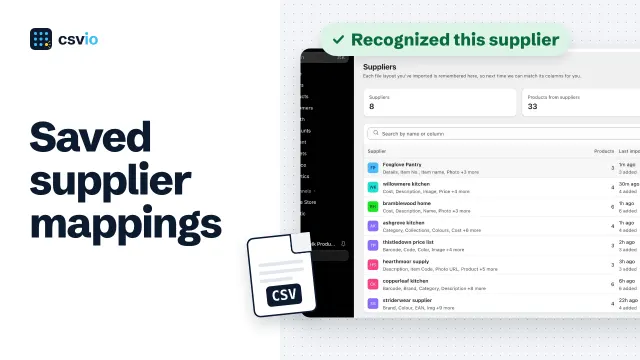 2:50
How to Save a Supplier's CSV Mapping for Faster Shopify Imports
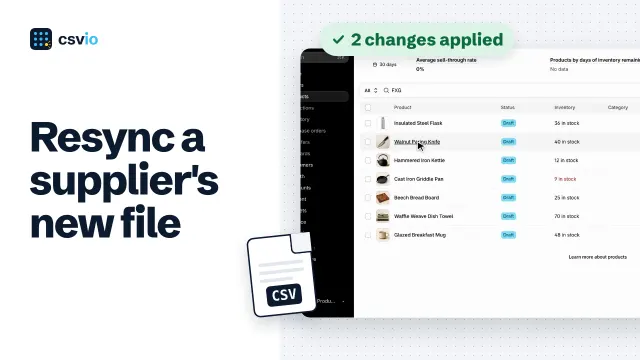 2:31