How to Save a Supplier's CSV Mapping for Faster Shopify Imports
To reuse a supplier's column mapping, import their file once with Csvio; it saves the supplier and applies the mapping to their next file. Shown: the Suppliers page, renaming a supplier, its next file recognized with the saved mapping applied, and Forget supplier.
Try Csvio free on your own fileChapters
- 0:00Saved supplier mappings in Csvio
- 0:11The Suppliers page
- 0:33Rename a supplier
- 0:49The supplier's next file
- 1:07Upload a returning supplier's file
- 1:37The saved mapping, applied
- 2:03Import to Shopify
- 2:21Back on Suppliers, and Forget supplier
Transcript
Saved supplier mappings in Csvio
In this video, a supplier's next file is recognized, and the mapping you saved for it last time is applied for you.
The Suppliers page
Every file layout you import is remembered here, on the Suppliers page. This is Foxglove Pantry, imported once this spring. It's named after its first file, and listed with the columns it was mapped from, the products in its last import, and when that was.
Rename a supplier
From its menu, you can rename a supplier, or forget it. Give it a name you'll recognize, and save.
The supplier's next file
Now Foxglove sends its autumn range. The headers are the supplier's own words: item number, RRP, quantity. The SKUs are all new, and there's a column of buyer's notes you don't want in your store.
Upload a returning supplier's file
Update from new file opens the upload. Drop the file in. Because Csvio knows these columns, it offers to sync the changes since your last import. That's the next video. Here, Create adds the three new products.
The saved mapping, applied
Recognized this supplier: your saved mapping is applied, with no AI mapping to wait for. Change any row to override it, and the change is saved for the next file. Or re-run AI mapping, to map the file afresh. Item number is still the SKU, item name the title, RRP the price, and buyer notes is still skipped.
Import to Shopify
Import to Shopify, and confirm. Three new products, saved as drafts.
Back on Suppliers, and Forget supplier
Back on Suppliers, Foxglove Pantry's last import is now the autumn file. Forget supplier removes its saved mapping. Its next file is treated as a new supplier, and products already in Shopify aren't touched. Try Csvio free, on your own supplier's file. The link's in the description.
Step-by-step guides
More Csvio tutorials
 2:31
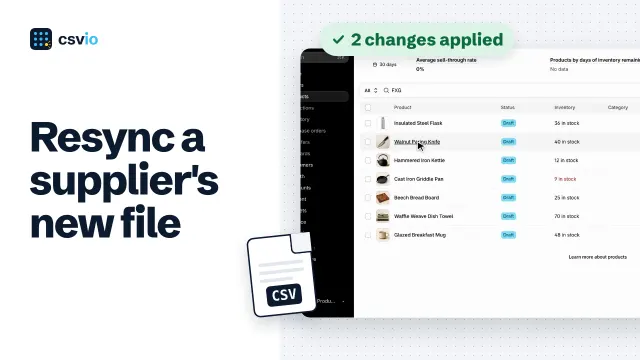
How to Sync a Supplier's New CSV with Your Shopify Products
 2:24
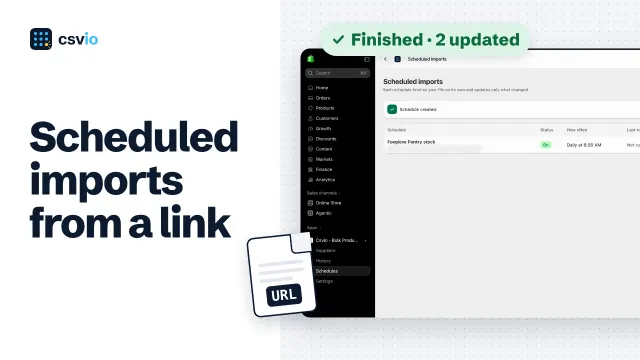
How to Schedule Automatic Shopify Imports from a CSV File URL
 3:42