How to Move Products from WooCommerce to Shopify with a CSV Export
To move products from WooCommerce to Shopify, export them as a CSV, upload it to Csvio, check the preview and confirm. Csvio recognises WooCommerce's export, so variations join their product and sale prices are kept. Then the same with another Shopify store's export.
Try Csvio free on your own fileChapters
- 0:00Export products from WooCommerce and upload
- 0:31Csvio recognises the WooCommerce export
- 1:24Variants and sale prices in the preview
- 1:47Import to Shopify and the report
- 2:07The products in Shopify
- 2:24Import a product export from another Shopify store
Transcript
Export products from WooCommerce and upload
In this video, a WooCommerce store moves to Shopify: products, variants, sale prices and photos. In WooCommerce, go to Products, then Export, and download every column. Then open the Import page in Csvio. Drop in the export, just as WooCommerce made it. These products are new to Shopify, so it's Create.
Csvio recognises the WooCommerce export
Here, Csvio already knows WooCommerce's export. Every standard column is matched for you, and the ones that link variations to their product are locked, so nothing breaks. Columns marked used for WooCommerce export, like Type, aren't Shopify fields. They tell Csvio which rows are variations, and whose. Name becomes the title. When a product is on sale, the sale price becomes its price, and the regular price its compare-at price. Stock, categories, tags and images land where they belong. WooCommerce's categories become Shopify product categories. All five matched, so there's nothing to check.
Variants and sale prices in the preview
The preview shows five products. Eleven rows became five, because each variation joined its product. The tea towel has its three colours. Sage was on sale, so it sells at nine, with twelve as the compare-at price.
Import to Shopify and the report
Nothing reaches your store until you confirm. The report shows exactly what was created: five products, saved as drafts.
The products in Shopify
Here's the tea towel in Shopify, with its colours, its sale price and its photo.
Import a product export from another Shopify store
Coming from another Shopify store? Export its products, and drop that file in the same way. Here too, Csvio maps Shopify's own columns, and tells you up front about the few no app can import. Check the preview, and import it just like before. Try Csvio free, with your own store's export. The link's in the description.
Step-by-step guides
More Csvio tutorials
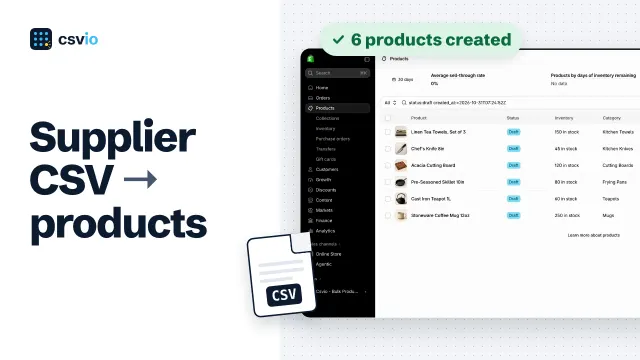 2:33
How to Import Products to Shopify from a Supplier CSV File
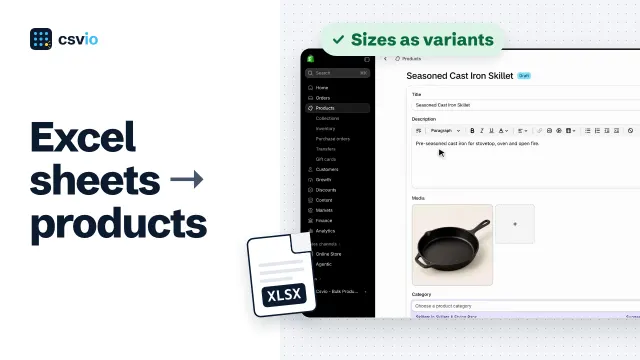 2:03
How to Import an Excel Sheet into Shopify as Products
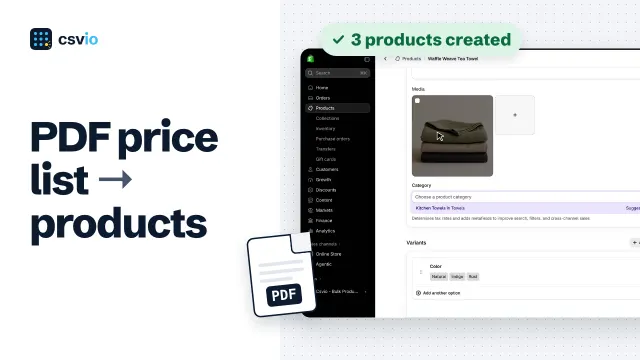 2:02